Free change order template
A clean, professional construction change order — free to download and use, no email required. The Excel version totals the change, applies your tax rate, and works out the revised contract total automatically; the Word version is a fill-in you can print and sign on site. Both include a client approval block, because an unsigned change order is the one that gets argued at billing time.
Free for any use. No sign-up, no email gate.
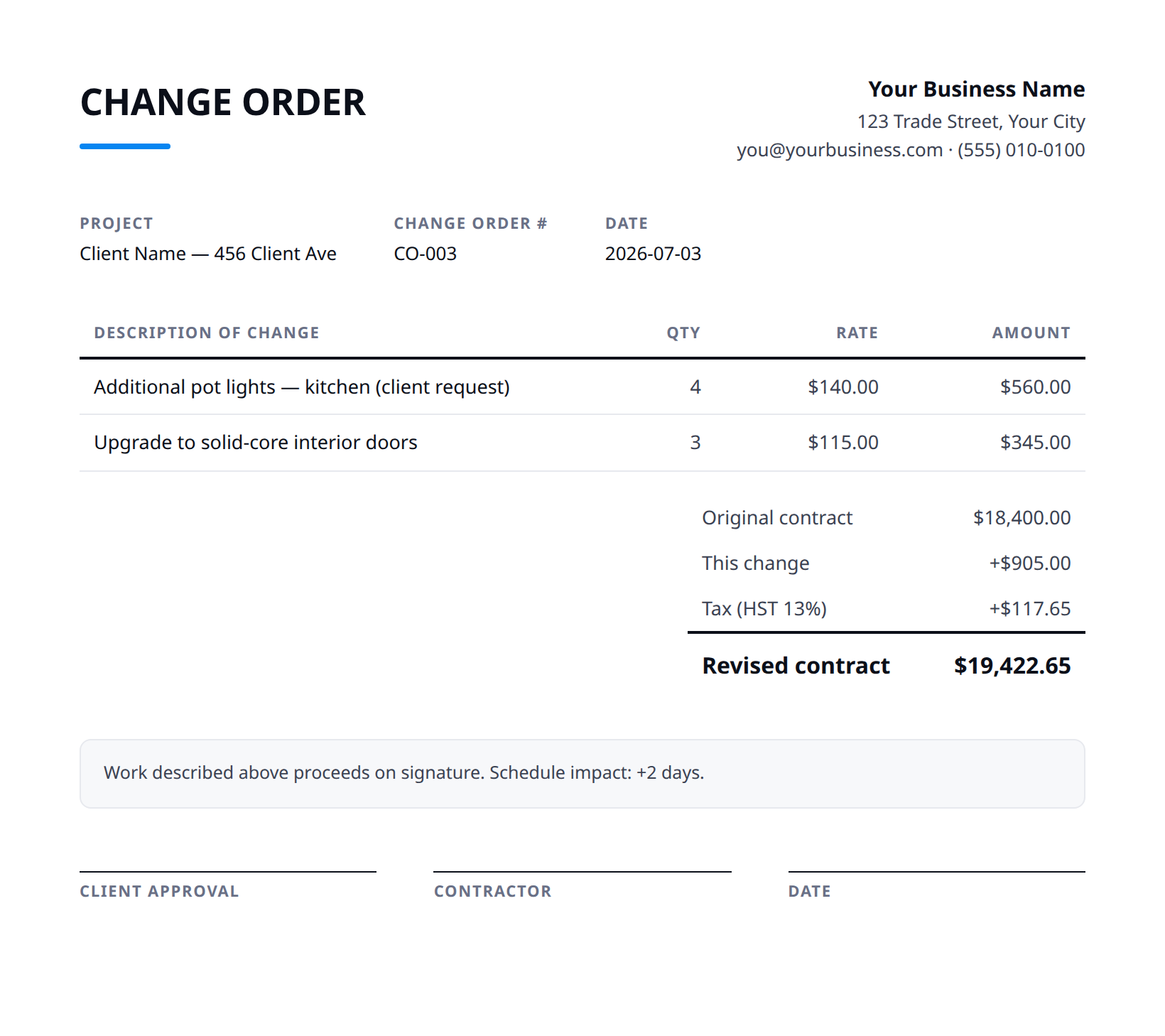
What every change order needs
A change order doesn't have to be a legal document, but it does have to be unambiguous a month from now. If it answers these six questions in writing, it'll hold up. More on the why in our guide to change orders and scope creep.
- What job it belongs to — the project and the original approved estimate it amends.
- What's changing — the added or removed work, described so the client recognizes it.
- Why — homeowner request, hidden condition, or code requirement, so it doesn't read as a surprise.
- The price — the change to the total, broken into materials and labour, not a lump sum.
- The schedule impact — extra days, if any, so the timeline change is on record too.
- The approval — who signed off, and when, captured before the work starts.
Common questions
Is this change order template really free?
Yes — download it and use it for any business. No email, no sign-up, no watermark beyond a one-line credit you can delete.
What's the difference between the Excel and Word versions?
The Excel version totals the change, applies your tax rate, and works out the revised contract total automatically from what you type. The Word version is a clean fill-in you can print and sign on site.
What's the difference between a change order and a new estimate?
A new estimate is for a separate job or a quote that isn't approved yet. A change order amends a scope you've already agreed — it records what changed, what it costs, and that the client said yes, before the work happens.
When the template becomes the bottleneck
A template works until you're retyping the job details every time scope shifts. Stairkey writes the change order against the approved estimate, sends it to the client to approve, and flows the new price straight to the invoice and your job costing — so a change is recorded once and the books stay honest.